
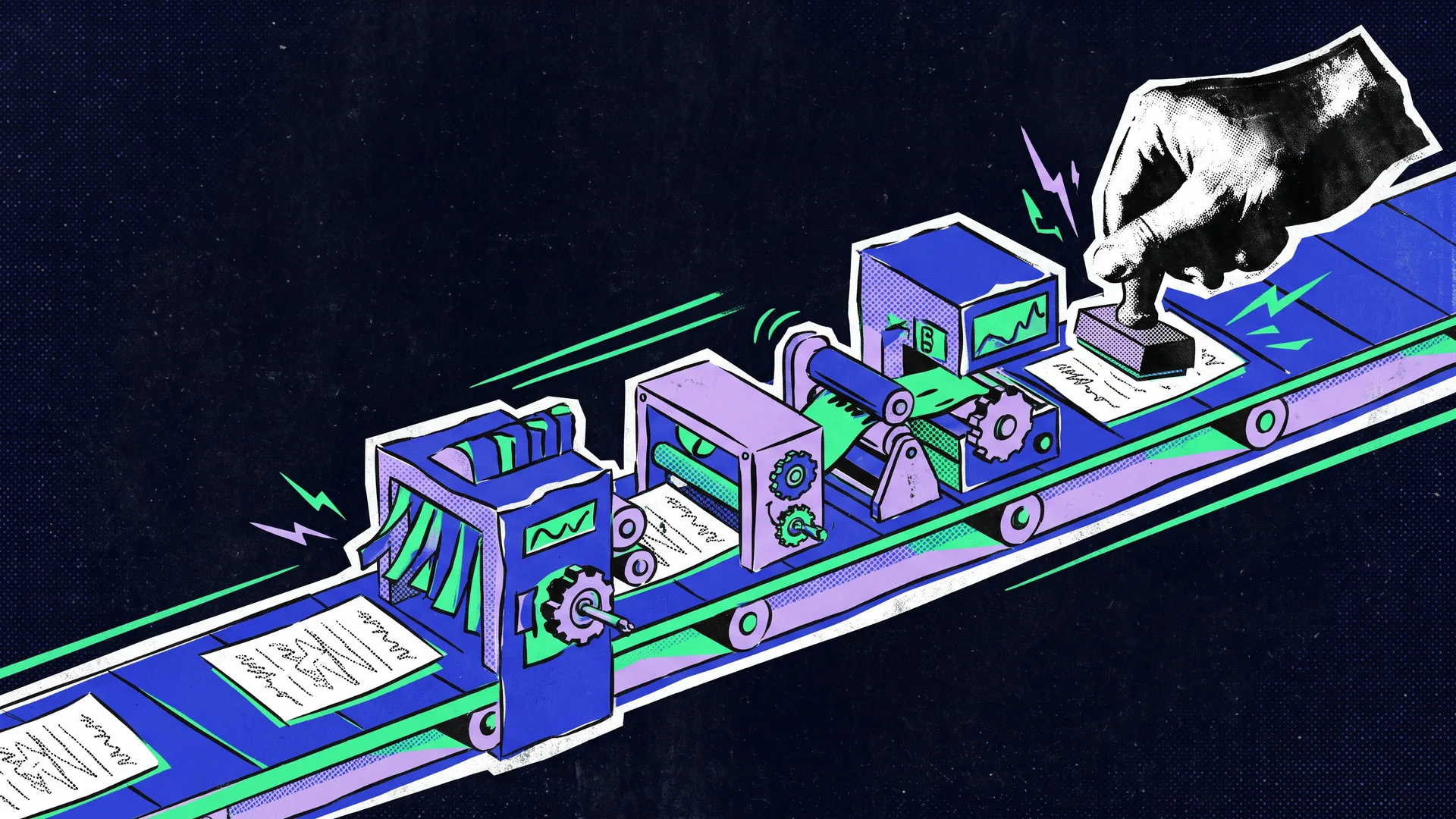
An agentic workflow is a process in which an AI model does some of the steps (reading, classifying, drafting, deciding which branch to take) while the order of the steps is set in advance by the person who built it. The model handles the judgment inside each step. The workflow decides what happens next, which tools are allowed, and where a person signs off.
The short version: use a workflow when you can draw the steps on a whiteboard, and an agent when you cannot. Most MSP work (ticket triage, onboarding, client reports, alert follow-up) can be drawn, so most of it belongs in workflows. Five common patterns cover it: chaining, routing, parallel steps, an orchestrator with workers, and a reviewer loop. Before one runs unattended it needs a trigger, approvals on risky steps, credentials it cannot read, versions you can roll back, and a record that reaches your SIEM.
What are agentic workflows?
Anthropic’s engineering team draws a useful line. Both are “agentic systems”, but workflows are “systems where LLMs and tools are orchestrated through predefined code paths”, while agents are systems where the model directs its own process and tool use (Anthropic, Building effective agents).
| Agentic workflow | AI agent | |
|---|---|---|
| Who decides the next step | The workflow’s design | The model, at run time |
| Best for | Work you can draw as steps: triage, onboarding, reports | Open-ended work where the number of steps is unknown |
| Predictability | Path designed in advance; branches and loops can vary, but every route is known | Path changes per run; needs sandboxing and stop conditions |
| Cost per run | Bounded by the steps you defined | Varies with how many turns the model takes |
| Typical failure | A step gets a bad input | The model takes a wrong turn and keeps going |
The two are not rivals. A workflow can call an agent as one of its steps (“research this vendor and summarize the risks”) and keep the rest of the process fixed. That is the shape most MSPs want: the open-ended part is contained in one step, and everything around it (who gets notified, what gets written to the ticket, who approves the send) stays predictable.
Anthropic’s advice is to start with the simplest thing that works, often a single well-prompted model call, and add steps only when they measurably improve the result. We agree. A workflow you can explain to a client in one sentence beats an agent you cannot.
What are the five agentic workflow patterns?
The same article names five patterns that show up in production systems. Here they are, with the MSP work each one fits.
| Pattern | How it works | MSP example |
|---|---|---|
| Prompt chaining | Each step takes the previous step’s output, with checks between steps | Draft a client QBR summary, check it against the ticket data, then format it |
| Routing | Classify the input, then send it to the step built for that type | Sort incoming tickets into password resets, outages and billing, each with its own handling |
| Parallelization | Independent subtasks run side by side, or the same task runs several times and the results are compared | Check a new vendor’s security page, contract and status history at once |
| Orchestrator-workers | One model breaks the job down at run time and hands parts to workers | Onboarding a client with an unknown mix of mailboxes, devices and licenses |
| Evaluator-optimizer | One model drafts, another reviews against criteria, and the loop repeats | A client-facing email that must meet tone and accuracy rules before it is sent |
Prompt chaining
The workhorse pattern. Break the job into fixed steps, give each step one narrow task, and put a check between steps so a bad intermediate result stops the run instead of flowing downstream. Chaining trades a little speed for accuracy, because each model call has an easier job.
Routing
Routing classifies the input first, so each type of request gets a prompt and toolset built for it. It also lets you send easy requests to a smaller, cheaper model and hard ones to a more capable model. For a service desk, routing is usually the first workflow worth building: triage is high volume, the categories are known, and a wrong route is cheap to fix.
Parallelization
Two variants: split a job into independent parts that run at the same time, or run the same check several times and compare the answers. The second is useful for guardrails. One call does the work while another screens it, which tends to beat asking a single call to do both.
Orchestrator-workers
Use this when you cannot list the subtasks in advance. The orchestrator reads the input, decides what needs doing, hands each part to a worker and assembles the result. It is the most agent-like of the five, and the one that needs the tightest limits on which tools the workers can touch.
Evaluator-optimizer
A drafting step and a reviewing step in a loop, stopping when the review passes or a retry limit is hit. It works when you can write down what “good” means, such as a style guide, a compliance checklist or a required set of facts. Set the retry limit; a loop without one is a cost problem waiting to happen.
Agentic workflow examples for MSPs
Five workflows that fit MSP service work, and the pattern under each:
- Ticket triage (routing). A new ticket arrives by email or webhook. The model classifies it, sets priority, fills the missing fields and routes it to the right board. A person on the loop reviews the routing each morning instead of approving each ticket.
- New user onboarding (chaining with an approval). An HR form starts the run. The workflow creates the account, assigns licenses and groups, and drafts the welcome email. The license purchase waits for a manager’s approval.
- Client report (chaining plus a reviewer). On a schedule, the workflow pulls ticket and usage data, drafts the monthly summary, checks every number against the source and puts the draft in front of the account manager.
- Alert follow-up (routing into an agent step). A monitor turns red. The workflow gathers the logs, hands the diagnosis to an agent step, and posts the findings to the ticket. Any fix that changes a client system waits for approval.
- Vendor review (parallelization). The workflow reads a vendor’s security documentation, terms and status history at the same time and assembles one risk summary for the client file.
Each of these has a step that should not run alone: a purchase, an external email, a change to a client system. Our human in the loop guide covers which steps those are and how to handle approvals that nobody answers.
What does an agentic workflow need before it runs unattended?
A workflow in a demo needs a model and a prompt. A workflow running for forty clients at 3 a.m. needs more:
- A trigger. A schedule, a webhook, a new email or a poll, so the work starts without someone clicking Run.
- Approvals on risky steps. The run pauses for a person on anything that spends money, leaves the building, deletes data or changes access, then resumes from the answer.
- Credentials the model never sees. The model asks for an action; the platform adds the credential on the way out. A prompt injection cannot leak a key the model never held.
- Versions and rollback. Edits happen in a draft while clients run the published version, and a bad release rolls back in one step.
- A record. Every run, input, tool call and approval logged, and streamed to the client’s SIEM rather than kept in a console nobody checks.
- Limits. A retry cap on loops, a timeout on each step, and a ceiling on spend per automation.
- A way to know it stopped. A workflow that silently stops running is worse than one that fails loudly. Monitor it like any other service.
OWASP’s Top 10 for Agentic Applications, peer reviewed and developed with more than 100 industry experts, is a useful list to test these controls against.
How does Synthreo run agentic workflows?
Here is how Synthreo maps to that list. Triggers, and agents as steps inside a workflow:
The agent builder and runtime runs workflows on a schedule, a webhook, a new Microsoft 365 email or calendar event, a poll, a form, a chat, a public link, the API or a phone call. Workflows call agents and other workflows as steps, organization-wide variables keep shared values in one place, and automations export and import as packages. More.
Approvals on the steps that should not run alone:
When a step should not run unattended, the run pauses and lands in My Tasks for an approval or a short form answer, then resumes from that answer.
The open-ended step, when a workflow hands work to an agent:
Agentic execution takes a plain-English goal, breaks it into steps, runs the code in an isolated Linux sandbox, recovers from failures and hands back finished work. Jobs are durable: a user can close the laptop and come back to the result. More.
Credentials, versions and the record:
Credentials live in a vault and are added to an agent's outgoing requests, so neither the model nor the code in the sandbox ever holds them. Automations run as a person's own connections, so every action shows who it was taken for.
Edits stay in a draft while clients keep running the published version. Each published version is kept with its date, Make live rolls back to an earlier one in one click, and every run records its timing and why it failed, with an audited administrator reveal of its request and result.
On every plan, each client's audit and sign-in events stream to Splunk, Microsoft Sentinel, Datadog, any OpenTelemetry receiver or an HTTPS webhook, pushed to you rather than pulled through an API. Agent actions can stream too: every tool an agent called, sent as metadata without the question, the answer or the payload.
Knowing when an automation stops, and a spend ceiling per automation:
Status pages monitor websites and APIs, TCP and DNS, certificates and domain expiry, heartbeats, the status pages of vendors a client depends on, and your own automations and connections, so an agent that stops running turns a monitor red. Incidents carry acknowledgment, and clients subscribe by email or webhook.
MSP partners buy at wholesale and set the retail price for each client, with per-client usage reports and spend caps per automation if a client wants a ceiling. More.
For MSPs, building once for every client:
An MSP publishes an automation to its catalog once, and every managed client install upgrades to each new version. You can also share your own connectors with clients.
Any agent can be published as an MCP server another platform calls, the build environment itself is available over MCP, outbound webhooks send signed events, and you can add any REST or OpenAPI service as a connector.
The Pylon page shows the builder in more detail. To see one of your own processes built as a workflow, book a demo and bring the process, or start a free trial.
Checklist: how to evaluate an agentic workflow platform
Ask these of any vendor, including us, and ask to see each one working.
- Triggers. Can a workflow start from a schedule, a webhook, an incoming email and a poll, without custom code?
- Agents as steps. Can a fixed workflow call an open-ended agent for one step and continue from its result?
- Per-step approvals. Can one step wait for a person while the rest of the run continues alone, and does the run resume from the answer?
- Credentials. Does the model or the code it writes ever hold a password or API key?
- Draft and rollback. Can you edit without touching what clients run today, and roll back a bad release in one step?
- Run history. Does every run record its inputs, tool calls, timing and why it failed?
- SIEM. Do the audit events reach your SIEM, or only a vendor console?
- Limits. Can you cap retries, step time and spend per automation?
- Silence detection. Will you know when a scheduled workflow stops running?
- Across clients. Can you publish a workflow once and have every client install pick up the new version?
For a side-by-side of two MSP platforms on these points, with every competitor claim sourced, see Synthreo vs Hatz.
Frequently Asked Questions About Agentic Workflows
Q: What is an agentic workflow? A: An agentic workflow is a process in which an AI model performs some of the steps, such as classifying, drafting or deciding which branch to take, while the sequence of steps and the allowed tools are set in advance. It differs from an AI agent, which decides its own steps at run time.
Q: What is the difference between an agentic workflow and an AI agent? A: In a workflow, the path is designed in advance and the model works inside each step. In an agent, the model decides what to do next and which tools to use. Workflows are more predictable and easier to audit; agents handle open-ended tasks where the steps cannot be listed in advance. A workflow can call an agent as one of its steps.
Q: What are examples of agentic workflows? A: Common examples are ticket triage that classifies and routes incoming requests, user onboarding that creates accounts and waits for approval on license purchases, scheduled client reports that are drafted and checked against source data, and alert follow-up that gathers logs and posts a diagnosis to the ticket.
Q: What are the main agentic workflow patterns? A: Five common patterns are prompt chaining, routing, parallelization, orchestrator-workers, and evaluator-optimizer. Anthropic’s engineering article “Building effective agents” describes each one.
Q: How does Synthreo run agentic workflows? A: Synthreo runs workflows on a schedule, a webhook, a new Microsoft 365 email or calendar event, a poll, a form, a chat, a public link, the API or a phone call, and workflows call agents and other workflows as steps. When a step should not run unattended, the run pauses in My Tasks for an approval or a short form answer, then resumes from that answer.
Sources
- Anthropic, Building effective agents, December 19, 2024, read November 27, 2026.
- OWASP Gen AI Security Project, Top 10 for Agentic Applications for 2026, December 9, 2025.