
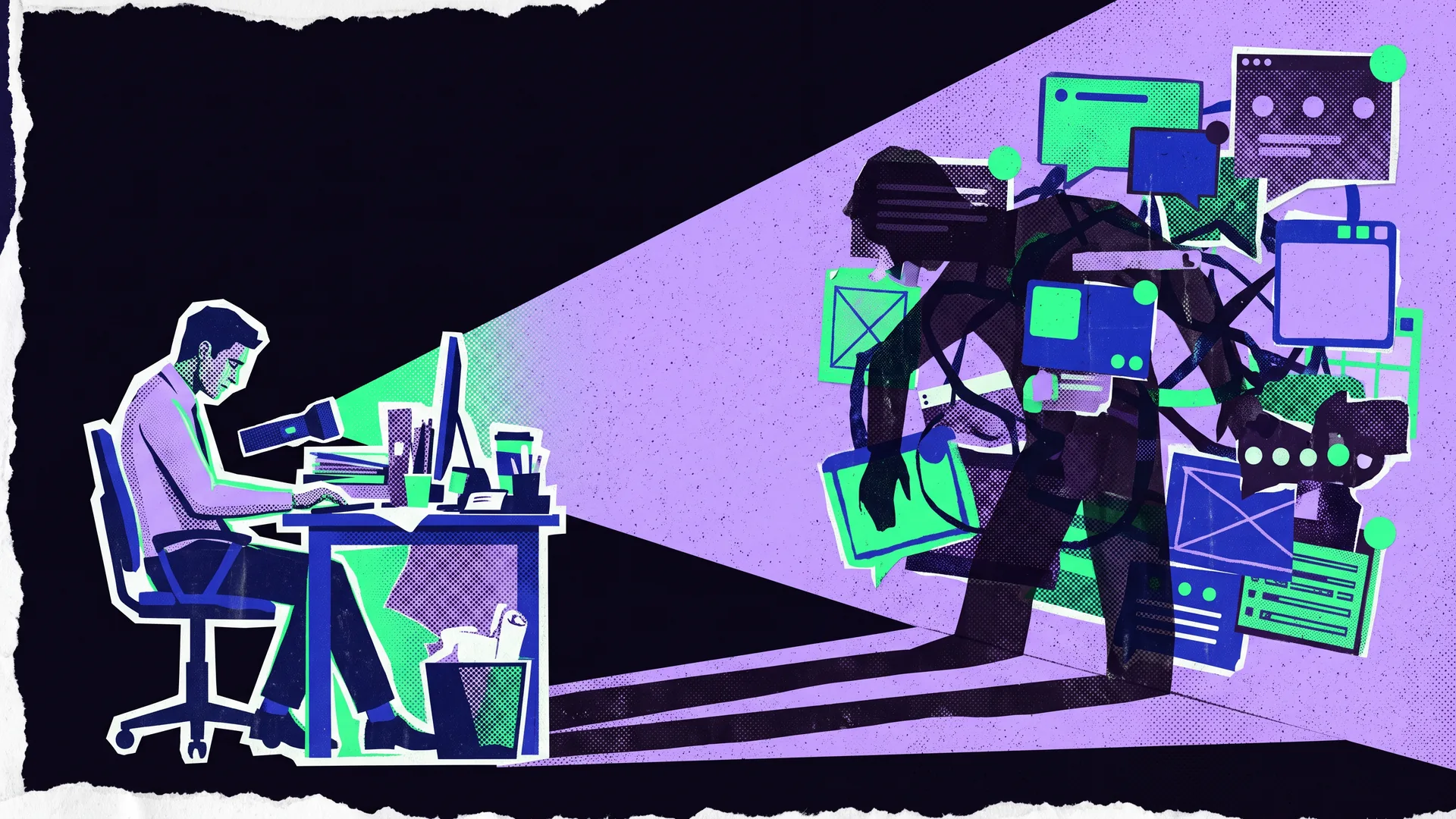
Shadow AI is the use of AI tools at work without the approval or oversight of the IT team. IBM defines it as “the unsanctioned use of any artificial intelligence (AI) tool or application by employees or end users” without formal IT approval (IBM). The common case is an employee pasting client data into a personal ChatGPT, Claude or Gemini account, but it also covers browser extensions, AI features switched on inside approved apps, and agents connected to company mailboxes.
The short version: most of your users already use AI, and many of them use their own accounts. Blocking it does not work for long. Find out what is in use, give people an approved tool that is at least as good, write down the rules, block what is left, and keep watching. IBM’s 2025 breach research puts a number on waiting: organizations with high levels of shadow AI saw breach costs $670,000 higher on average.
How common is shadow AI?
Very. Microsoft and LinkedIn’s 2024 Work Trend Index, a survey of 31,000 knowledge workers in 31 markets, found that 78% of AI users bring their own AI tools to work, rising to 80% at small and medium-sized companies (Microsoft Work Trend Index 2024). The same survey found 52% of people who use AI at work are reluctant to admit using it for their most important tasks.
That second number is the problem. Shadow AI is not mainly a few rule-breakers. It is most of the workforce using tools they find useful, quietly, because nobody gave them an approved option or told them what is allowed.
What is the difference between shadow AI and shadow IT?
Shadow IT is any app or service used without IT approval: a personal Dropbox, an unapproved project tool. Shadow AI is the AI-specific part of it, and it carries risks shadow IT does not:
| Shadow IT | Shadow AI | |
|---|---|---|
| What leaves the company | Files someone chose to upload | Anything pasted into a prompt, often without thinking of it as “uploading” |
| What comes back | The same file | New content: answers, code, summaries that may be wrong and get used anyway |
| Where the data may end up | The vendor’s storage | Storage, and depending on the plan’s terms, model training |
| Can it act on its own | Rarely | Agents and extensions can read mail, browse and take actions |
| How visible it is | Shows up as an app or a login | Often a browser tab or a feature inside an approved app |
What are the risks of shadow AI?
IBM’s Cost of a Data Breach Report 2025 measured shadow AI. Its findings (IBM newsroom, July 30, 2025):
- One in five organizations reported a breach due to shadow AI.
- Only 37% had policies to manage AI or detect shadow AI.
- Organizations with high levels of shadow AI saw an average of $670,000 more in breach costs than those with low or no shadow AI.
- Incidents involving shadow AI exposed more personal data (65% versus a 53% global average) and more intellectual property (40% versus 33%).
- Of organizations with AI governance policies, only 34% regularly audit for unsanctioned AI.
Behind those numbers sit four practical risks:
- Data exposure. Client records, contracts, source code and credentials pasted into a tool with consumer terms, under a personal account the company cannot see or close.
- Compliance. Personal or health data processed by a vendor with no agreement in place. For a healthcare client, that can be a reportable problem.
- Wrong answers used as fact. Output nobody checked, sent to a client or put into a contract.
- Agents with access. An AI extension or agent granted access to a mailbox or drive can read and act on far more than one pasted paragraph. Our post on shadow AI that grew hands covers what happens when that access is abused.
What are examples of shadow AI?
- A salesperson pastes a client’s contract into a personal ChatGPT account to summarize it.
- A developer uses an AI coding assistant on a personal subscription against the company’s code.
- An office manager installs an AI meeting-notes bot that joins every call and stores recordings with its vendor.
- A browser extension that “summarizes any page” reads every page the user opens, including the CRM.
- An AI feature inside an approved app is switched on by default and sends documents to a new subprocessor.
- A team signs up for an AI agent tool and connects it to a shared mailbox with a personal sign-in.
How do you detect shadow AI?
No single source sees all of it. Combine several:
| Source | What it shows | What it misses |
|---|---|---|
| Endpoint inventory (through your RMM) | Installed AI apps and desktop agents | Browser use and personal devices |
| Browser monitoring or extension policy | AI sites visited, extensions installed | Use on unmanaged browsers |
| DNS, firewall or secure web gateway logs | Traffic to AI domains | Which account, and what was sent |
| Identity sign-in logs (Entra ID, Google) | “Sign in with Microsoft or Google” to AI apps | Personal accounts with a personal email |
| Expense and card reports | Paid AI subscriptions | Free tiers |
| A short staff survey | Why people use what they use | Anything people prefer not to admit |
The goal of detection is a list: which tools, how many people, which accounts (work or personal), and what kind of data is involved. That list drives every decision after it.
How do you manage shadow AI?
Block last. Blocking without an alternative pushes use to personal phones and accounts, where you see nothing. The order:
- Discover. Run detection for two to four weeks and build the list above.
- Provide an approved tool. Give people something at least as capable as what they found on their own, with work sign-in, no training on company data and an audit log. If the approved tool is worse, shadow AI comes back.
- Write the policy. A one-page AI acceptable use policy: which tools are approved, what data never goes into any AI tool, who to ask. Have staff sign it.
- Block what is left. Once the approved tool exists, block the unapproved AI domains and extensions, and remove personal-account sign-ins where you can.
- Keep watching. New AI tools keep launching. Repeat the discovery on a schedule and stream the audit events to your SIEM.
AI governance for MSPs covers this as a 60-day rollout, including how MSPs sell it to clients.
How does Synthreo help with shadow AI?
For discovery:
Shadow AI discovery installs through your RMM with an enrollment token, inventories each computer and reports the AI tools found on it in a Shadow AI report. Tools such as Claude Code can send their usage telemetry to Synthreo with a company key.
For the approved tool people actually prefer:
The model catalog includes Claude, GPT and Gemini models alongside open-weight models such as DeepSeek, GLM, Kimi, Qwen and MiniMax. The workspace's Auto model routes each task to a model that fits it, which is how agentic execution and the Auto model stay uncapped today.
Model calls run with Zero Data Retention, and Synthreo does not use customer data to train models.
SSO comes with every plan: each client connects its own SAML identity provider, and a verified domain can be locked to SSO so password sign-in is off. SCIM provisions users, and every account that has no second factor must enroll in MFA.
For the record and for managing every client at once:
On every plan, each client's audit and sign-in events stream to Splunk, Microsoft Sentinel, Datadog, any OpenTelemetry receiver or an HTTPS webhook, pushed to you rather than pulled through an API. Agent actions can stream too: every tool an agent called, sent as metadata without the question, the answer or the payload.
The control plane manages every client company from one place. You apply policy templates to groups of clients and read each client's audit log, filtered and exported to CSV. More.
To see a shadow AI report for your own clients, book a demo, or start a free trial.
Frequently Asked Questions About Shadow AI
Q: What is shadow AI? A: Shadow AI is the use of AI tools at work without the approval or oversight of the IT team, such as employees using personal ChatGPT, Claude or Gemini accounts, AI browser extensions, or AI features in apps that IT has not reviewed.
Q: What is the difference between shadow AI and shadow IT? A: Shadow IT is any unapproved app or service. Shadow AI is the AI-specific part of it. It differs because data leaves through prompts rather than file uploads, the tools generate new content that may be wrong, some consumer plans may use the data for training, and agents and extensions can take actions on their own.
Q: Why is shadow AI a risk? A: IBM’s Cost of a Data Breach Report 2025 found that one in five organizations reported a breach due to shadow AI, and organizations with high levels of shadow AI saw average breach costs $670,000 higher than those with low or no shadow AI.
Q: How do you detect shadow AI? A: Combine endpoint inventory from your RMM, browser monitoring, DNS or gateway logs, identity sign-in logs, expense reports and a short staff survey. Each source sees part of the picture; together they show which AI tools are used, by how many people, and on which accounts.
Q: Should you block shadow AI? A: Block it last, not first. Discover what people use, give them an approved AI tool that is at least as capable, publish an AI acceptable use policy, and then block the unapproved tools that remain. Blocking without an alternative pushes use to personal devices.
Sources
- IBM, What is shadow AI?, October 25, 2024.
- IBM, Cost of a Data Breach Report 2025 announcement, July 30, 2025.
- Microsoft and LinkedIn, 2024 Work Trend Index, May 8, 2024.
All three read November 28, 2026.